- BTC···
- ETH···
- SOL···
- BNB···
- XRP···
- DOGE···
- ADA···
- AVAX···
- LINK···
- LTC···
Turn any chart into a clear trade plan.
Upload a screenshot or pick a coin or stock. In seconds, ChartSense tells you the trend, where to enter, where to put your stop-loss and three take-profit targets — and explains why in plain English.
- Works with any chart
- Crypto, stocks & forex
- Cancel anytime
From $0.96/week billed yearly
Why traders use ChartSense
Stop guessing. Trade with a plan.
Without ChartSense
- Guessing your entry
- No exit plan
- Timeframes that disagree
- Hours on every chart
With ChartSense
- Exact entry price
- Stop-loss + 3 targets
- One clear verdict
- A plan in seconds
Benefits
Everything you need to trade with confidence.
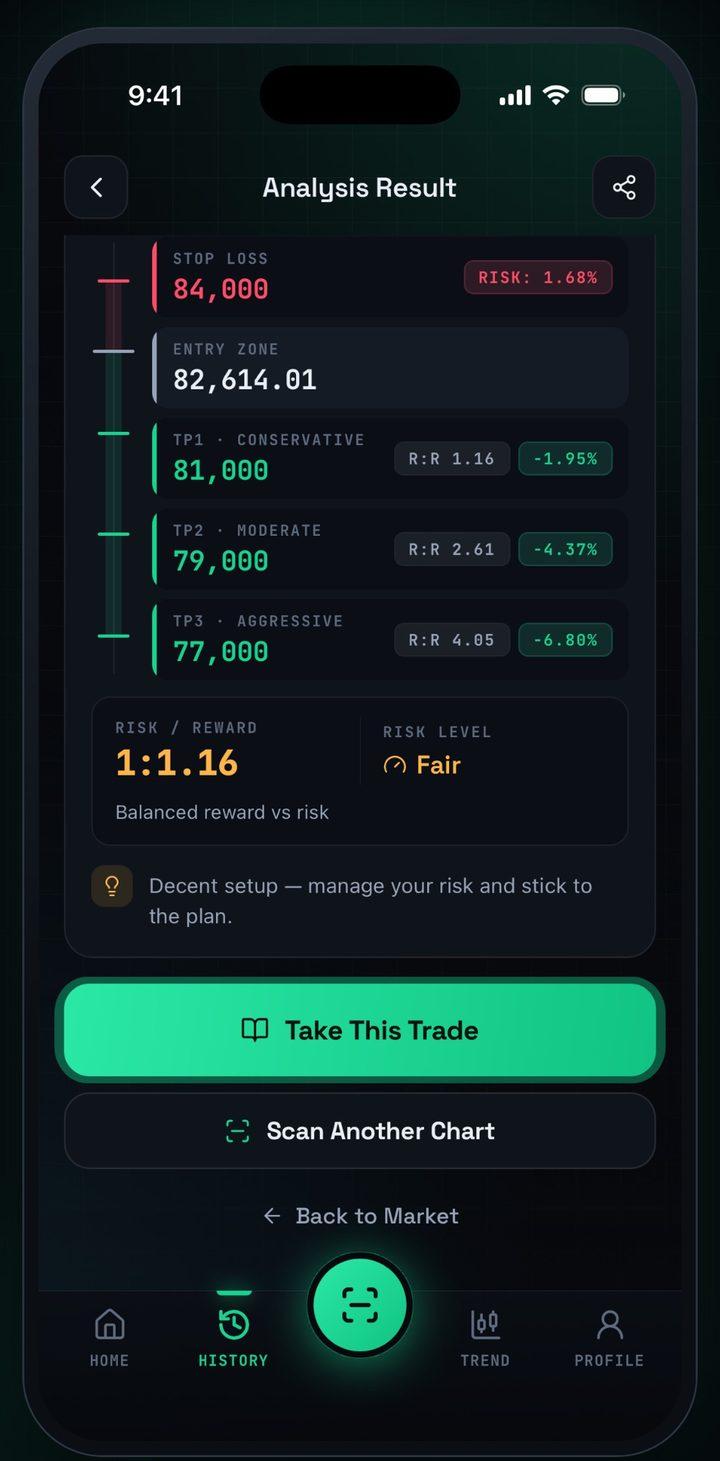
A plan for every trade
Entry, stop-loss and 3 targets
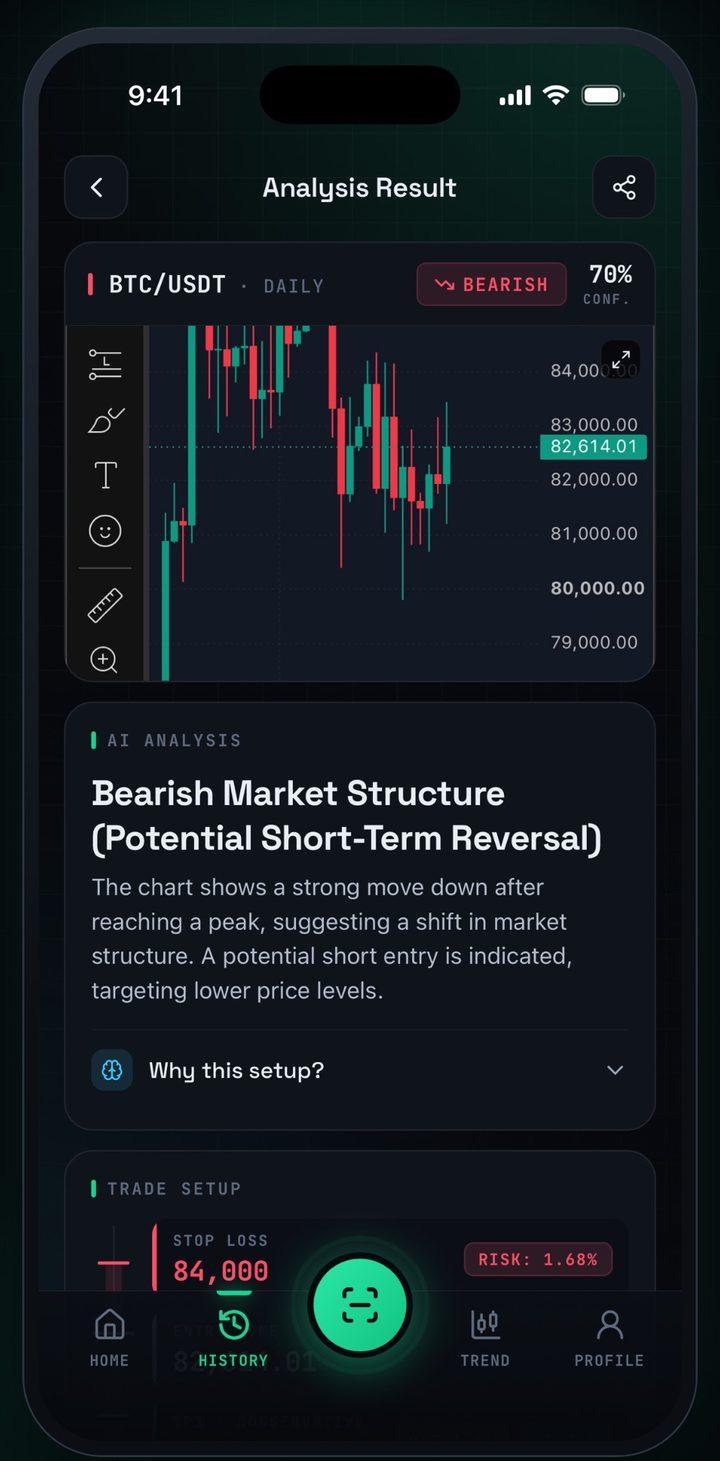
Understand the why
Every setup explained simply
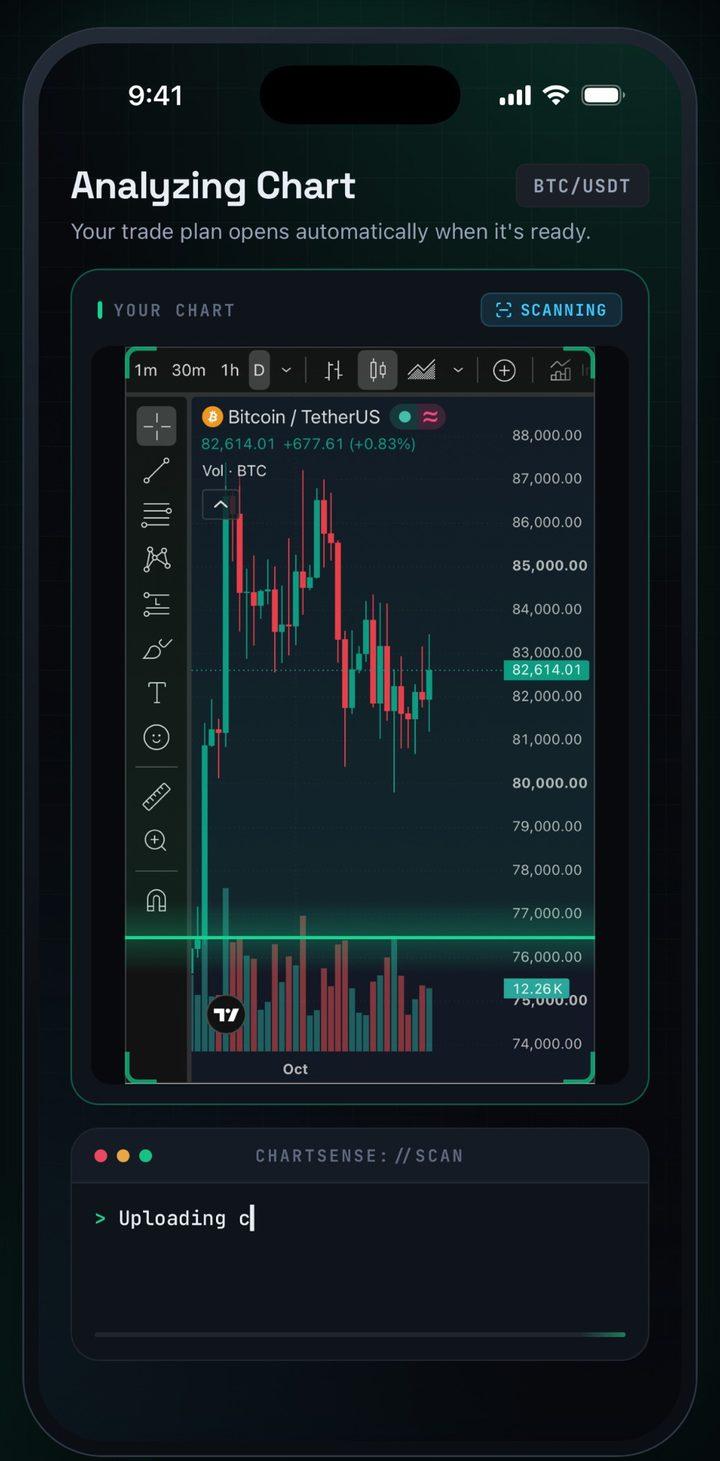
Results in seconds
Upload a chart, get the plan
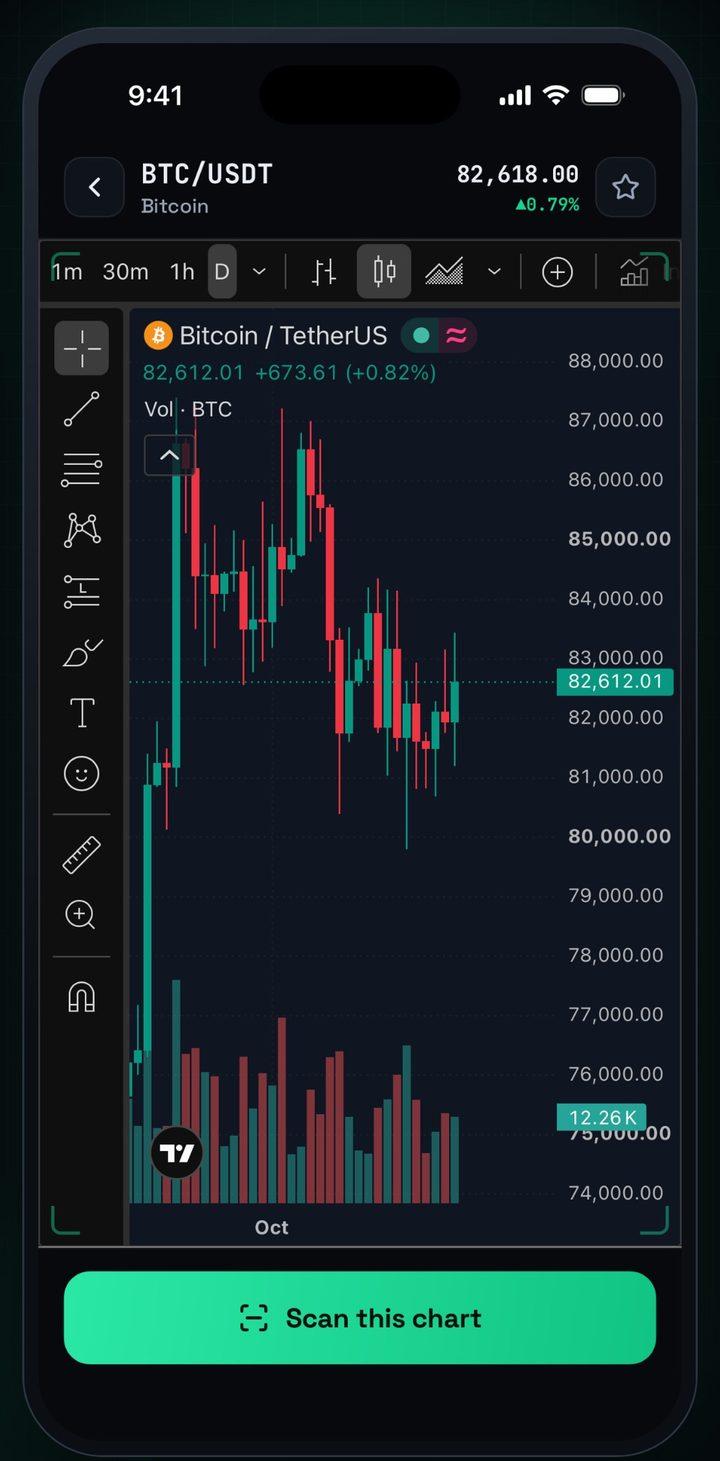
Scan live markets
Any coin or stock, one tap
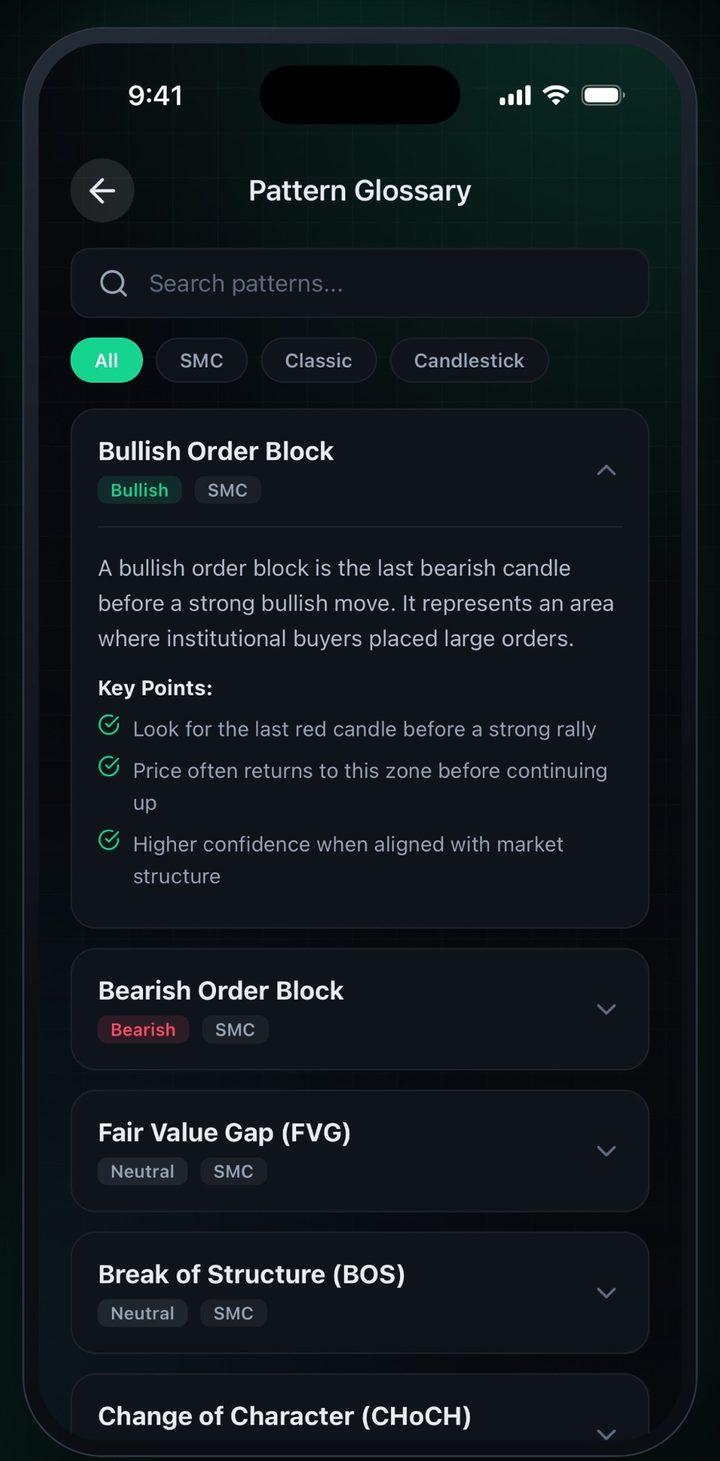
Learn the patterns
Order blocks, FVGs and more
- Also included
- Follow-up chat
- Scan history & journal
- Multi-timeframe verdict
How it works
Three steps. Seconds, not hours.
- 1
Capture
Screenshot any chart
- 2
AI scans
Structure, patterns, levels
- 3
Get your plan
Entry, stop-loss, 3 targets
Web + iPhone
Use it wherever you trade.
Same AI analysis, same prices — pick the one that fits how you trade.
On the web
Best at your desk, next to your charts.
- Works in any browser — Mac, Windows or Linux
- Paste a screenshot straight from your clipboard
- Pay by card, PayPal, Apple Pay or Google Pay
On iPhone
Best on the go, wherever the market moves.
- Scan charts straight from your camera roll
- Live coin & stock scans with multi-timeframe verdicts
- Billed through your Apple ID
Web and iOS subscriptions are billed separately
Pricing
Unlock unlimited AI chart analysis.
Same plans on the web and in the iOS app. Cancel anytime.
Weekly
$9.99/week
Flexible · cancel anytime
- Unlimited AI chart scans
- Coin & stock multi-timeframe scans
- Entry, stop-loss & 3 take-profit targets
- Chat about any scan
- History, journal & watchlist
Yearly
$49.99/year
Just $0.96/week — vs $9.99/week
- Unlimited AI chart scans
- Coin & stock multi-timeframe scans
- Entry, stop-loss & 3 take-profit targets
- Chat about any scan
- History, journal & watchlist
- 14-day refund on web purchases
- Cancel anytime
- Secure checkout by Paddle
Cards · PayPal · Apple Pay · Google Pay (where available)
Web and iOS subscriptions are billed separately
FAQ
Questions, answered.
What is ChartSense?
ChartSense is an AI chart scanner. Upload a chart screenshot, or pick a coin or stock and up to three timeframes, and it reads the chart and gives you a trade plan: market structure, entry, stop loss and three take-profit targets, with the reasoning behind it.
Which charts and markets work?
Crypto, stocks, forex, indices and commodities, from TradingView, a broker, an exchange or the Apple Stocks app. Candlestick charts with a visible price axis work best.
What does the overall verdict mean?
When you analyze several timeframes, ChartSense compares them. The higher timeframe shows the bigger trend and the lower one shows the short-term move. If they agree, the verdict says so. If they disagree, for example weekly bullish but daily bearish, it tells you a pullback is likely and what to wait for.
Does a web subscription work in the iOS app?
No. Web and iOS subscriptions are billed separately. A web subscription (paid through Paddle) unlocks ChartSense in your browser on any computer. An App Store subscription unlocks the iPhone app. Pick the one you will use most.
How do I cancel?
On the web, open Account → Manage billing and cancel at any time; you keep access until the end of the period you paid for. In the iOS app, open Settings on your iPhone, tap your name, then Subscriptions, and choose ChartSense.
Is there a free trial?
No. You can see exactly what a ChartSense analysis looks like on this page before you subscribe, you can cancel at any time, and you can request a refund within 14 days of purchase under our Refund Policy.
Why does a scan sometimes say Neutral or look wrong?
Neutral means the chart is ranging or the evidence conflicts, so ChartSense does not force a direction. Blurry, cropped or very zoomed charts can also be misread. Markets are unpredictable and no analysis is always right, so use the stop loss and manage your risk.
Is ChartSense financial advice?
No. ChartSense is an educational analysis tool. Nothing on this website or in the app is financial, investment or trading advice. Always do your own research and never risk money you cannot afford to lose.
What happens to my chart images and data?
A chart image is sent to our AI service to produce the analysis. On the web, your scans, chats and journal are saved to your account so you can reopen them in any browser, and you can delete them at any time. See the Privacy Policy for details.
Still have a question? chartsenseofficial@gmail.com
Your next trade plan is seconds away.
Start on the web right now, or take ChartSense with you on iPhone.